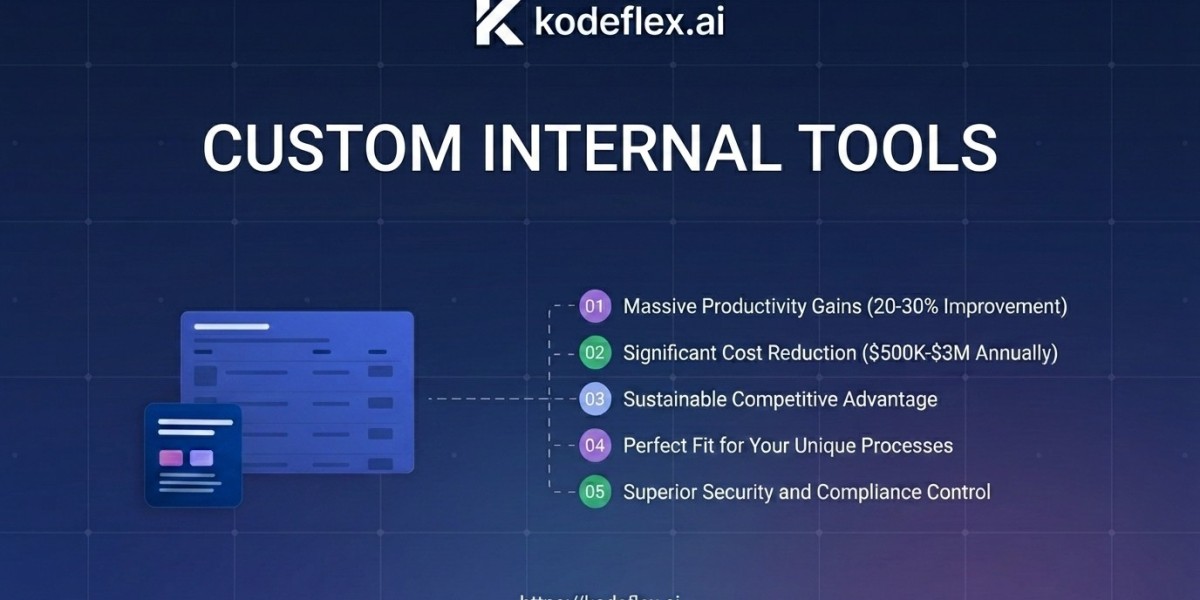

Businesses often rely on multiple software applications to manage their daily operations. While ready-made platforms can be useful, they may not always match the specific workflows, requirements, and goals of a business. This is where custom internal tools can provide a more flexible and efficient solution.
Custom internal tools are software applications designed specifically for a company's employees and internal processes. They can help teams automate repetitive tasks, organize information, manage workflows, and improve collaboration. Instead of forcing employees to adapt to generic software, businesses can create tools that fit the way their teams actually work.
What Are Custom Internal Tools?
Custom internal tools are applications developed to solve specific internal business problems. Unlike customer-facing websites or applications, these tools are primarily built for employees, managers, and internal teams.
For example, a company may create an internal tool to manage projects, track inventory, monitor sales, process employee requests, organize customer information, or generate reports.
The main advantage is customization. Businesses can choose the features, workflows, permissions, and integrations that are relevant to their operations.
Why Businesses Need Custom Internal Tools
As companies grow, their internal processes can become increasingly complex. Employees may have to use spreadsheets, emails, messaging platforms, and several different applications to complete simple tasks.
This can create unnecessary delays and increase the risk of errors.
Custom internal tools bring important processes into a centralized system. Employees can access the information and features they need without switching between multiple platforms.
A well-designed internal tool can help businesses:
Automate repetitive tasks
Reduce manual data entry
Improve team productivity
Centralize business information
Reduce operational errors
Simplify workflows
Improve reporting
Connect different systems
Common Types of Custom Internal Tools
Businesses can create many different types of internal applications depending on their needs.
1. Project Management Tools
Custom project management tools can help teams assign tasks, monitor deadlines, track project progress, and manage responsibilities.
These tools can be designed around a company's existing project management process instead of requiring employees to follow a generic workflow.
2. Employee Management Tools
Internal employee tools can help organizations manage employee information, leave requests, onboarding processes, work schedules, and internal communications.
Centralizing these processes can make administrative work easier for HR and management teams.
3. Inventory Management Tools
Companies that manage physical products can use custom inventory tools to monitor stock levels, product movements, suppliers, and orders.
Automated notifications can also help teams identify when inventory levels require attention.
4. Reporting and Analytics Tools
Businesses often need reports to understand their performance. Custom reporting tools can collect information from different systems and present it in a clear format.
This can help managers make faster, data-driven decisions.
5. Workflow Automation Tools
Workflow automation is one of the most valuable applications of internal software. A custom tool can automatically move information between departments, send notifications, create tasks, or update records.
Automation reduces the amount of repetitive work employees need to perform manually.
Benefits of Custom Internal Tools
Better Productivity
Employees spend less time performing repetitive administrative tasks. This allows them to focus on more valuable activities that require creativity, decision-making, and expertise.
Improved Accuracy
Manual data entry can lead to mistakes. Automated processes can reduce unnecessary human error and keep information more consistent.
Greater Flexibility
Every business operates differently. Custom internal tools can be designed around existing workflows and modified as the company changes.
Centralized Information
Instead of storing information across different spreadsheets and applications, businesses can bring important data into a centralized system.
Better Scalability
A custom tool can evolve with a business. New features, integrations, and workflows can be added as operational requirements change.
Custom Tools vs. Ready-Made Software
Ready-made software is often useful when a business has standard requirements. However, it may include features that employees do not need while lacking functionality that is important to a specific organization.
Custom internal tools provide greater control over functionality and workflow design.
The right choice depends on the business. A company with simple requirements may benefit from existing software, while an organization with unique or complex processes may gain more value from a custom solution.
How to Build Effective Custom Internal Tools
Building a useful internal tool requires more than simply developing software. Businesses should first understand the problem they are trying to solve.
Step 1: Identify the Problem
Start by identifying inefficient processes, repetitive tasks, or workflow bottlenecks.
Step 2: Define Requirements
Determine which features employees actually need. Avoid adding unnecessary functionality that can make the system difficult to use.
Step 3: Design the User Experience
The tool should be simple and intuitive. Employees should be able to complete common tasks quickly without extensive training.
Step 4: Plan Integrations
If the business already uses other software, the internal tool may need to connect with existing systems.
Step 5: Test With Employees
Real users should test the tool before full implementation. Their feedback can reveal usability issues and missing features.
Step 6: Improve Continuously
Internal tools should evolve as business requirements change. Regular improvements can keep the application useful and efficient.
Security and Access Control
Because internal tools can contain important business information, security should be considered from the beginning.
Businesses can use role-based access controls to ensure employees only access the information and functions required for their responsibilities.
Other security considerations may include authentication, data encryption, activity monitoring, backups, and secure integrations.
The Role of Automation and AI
Modern custom internal tools can incorporate automation and artificial intelligence to improve business processes further.
For example, AI-powered functionality can help categorize information, summarize documents, assist with reporting, identify patterns, or support employees with internal knowledge.
Automation can also connect multiple steps of a workflow, reducing the amount of manual intervention required.
Conclusion
Custom internal tools give businesses an opportunity to create software around their actual operational needs. They can simplify complex workflows, automate repetitive processes, centralize information, and improve employee productivity.
Rather than adapting every business process to generic software, organizations can build solutions that fit their teams and workflows. With thoughtful planning, user-focused design, strong security, and continuous improvement, custom internal tools can become an important part of a modern business's technology strategy.
FAQs
What are custom internal tools?
Custom internal tools are software applications created specifically for a company's internal employees and business processes.
Who can benefit from custom internal tools?
Businesses of different sizes can benefit, particularly organizations with repetitive workflows, complex processes, or unique operational requirements.
Are custom internal tools scalable?
Yes. They can be designed to support future growth and can be expanded with new features, integrations, and workflows.
Can internal tools automate business processes?
Yes. Internal tools can automate tasks such as notifications, approvals, data entry, reporting, and workflow management.
Are custom internal tools secure?
They can be designed with security features such as authentication, role-based permissions, encryption, monitoring, and controlled access.